Why Your YouTube Video Gets 0 Views And What We Would Do About It
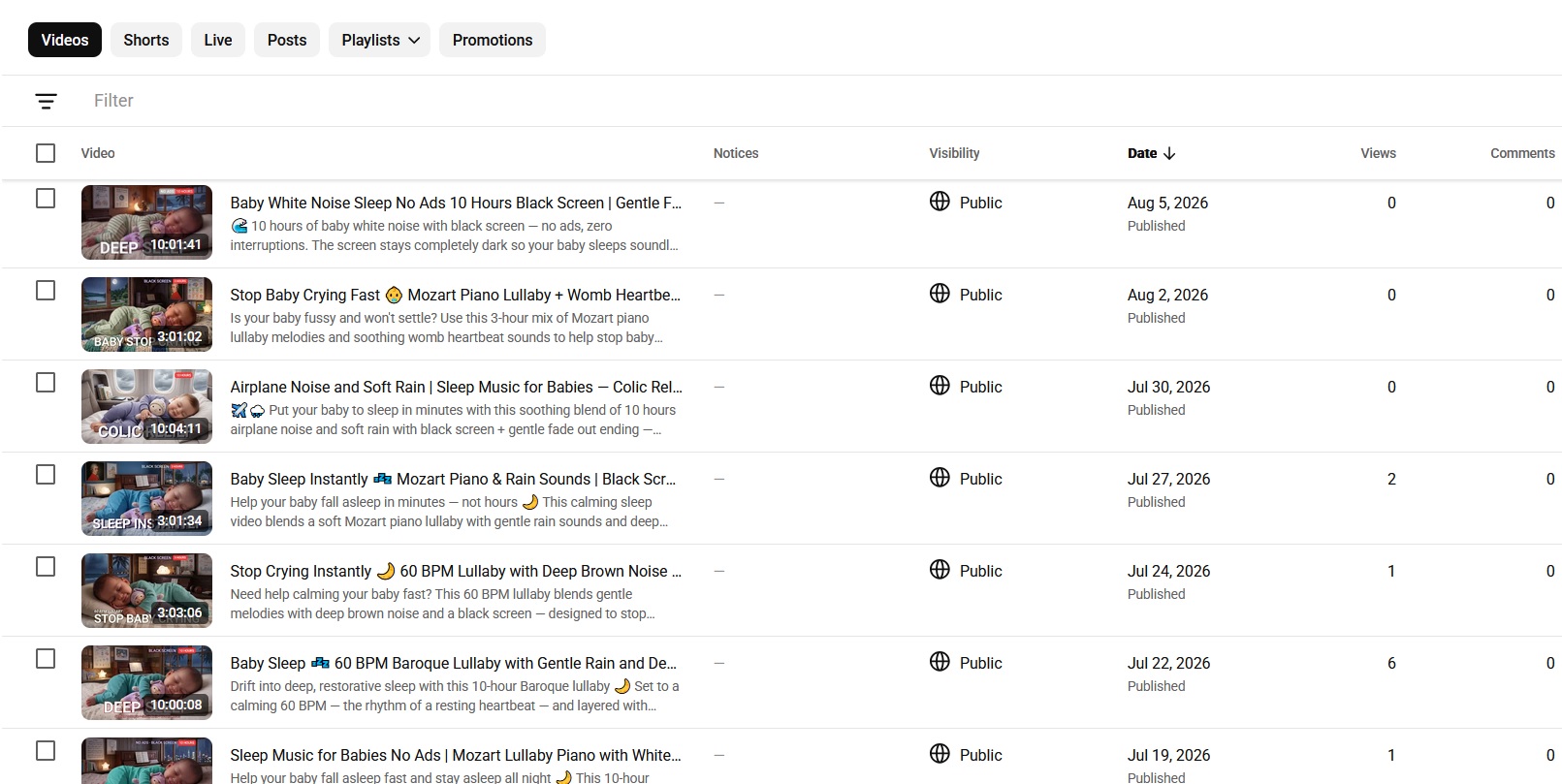
Anyone who has worked seriously with YouTube for a while has probably seen this situation before (YouTube video gets 0 views)
You spend hours researching a topic, writing the script, editing the video, designing what you think is a good thumbnail, and finally press Publish.
Then you wait.
One hour passes.
Five hours.
The next morning, you open YouTube Studio and somehow the number is still sitting at 0 views.
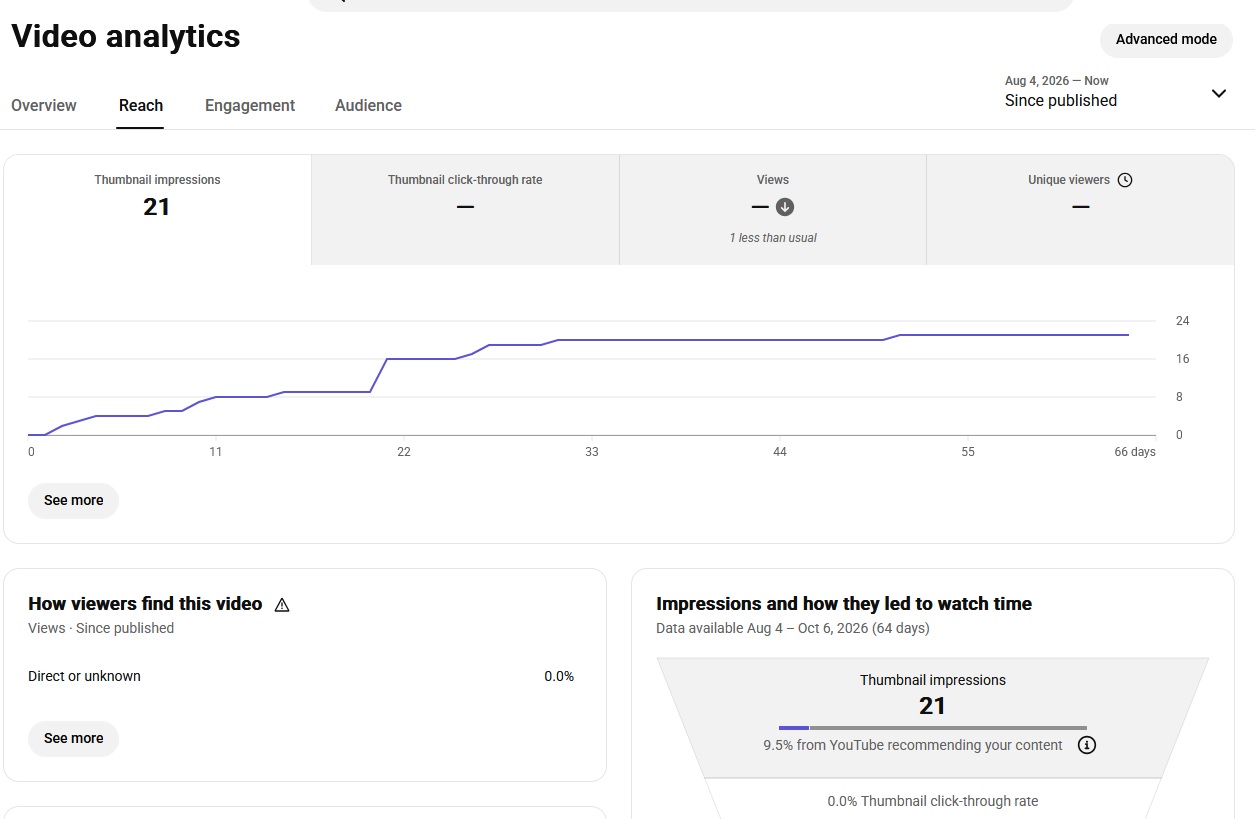
Video 0 View Anaylytics
Maybe you send the video to a few friends and get a couple of direct views. But YouTube itself seems to do absolutely nothing with it. No Browse traffic. No Suggested traffic. Almost no impressions.
This is one of the most frustrating situations for a creator because the natural reaction is usually:
“Maybe the content is bad.”
So you change the topic.
Then you change the thumbnail.
Then you change the title.
Then maybe you delete the channel and start another one.
I have seen creators do all of this before they even look at the most important part of the problem: what is actually happening inside YouTube Analytics?
From my experience, a video getting 0 views does not automatically mean the video is bad. Sometimes the problem is the topic. Sometimes the packaging is weak. Sometimes the channel simply has very little audience data yet. And in some cases, creators notice a much broader distribution problem that appears across multiple videos.
The important thing is to identify which problem you actually have before changing everything.
Here is how I normally diagnose it.
1. So, Why Does a YouTube Video Get 0 Views?
I would divide most “0 view” situations into two big groups.
The first is a distribution or environment problem.
The second is a content, topic, or positioning problem.
There are also smaller possibilities such as weak titles and thumbnails, unsuitable content, copyright or policy problems, suspicious traffic, or simply a very small channel that has not generated enough audience signals yet.
But don’t treat all of these problems the same way.
Case 1: Almost No Distribution
This is the situation that worries creators the most.
You upload a video and, after enough time has passed for the data to become meaningful, the video has almost no impressions. Maybe it gets a couple of views from people you personally sent the link to, but YouTube doesn’t seem to be showing the video naturally.
The material I have collected from other creators describes this as a possible problem related to the device, account history, network environment, or connections between accounts.
I would be careful here, though.
YouTube does not publicly describe a simple rule saying, “This IP address has been used before, therefore we will give this new video 0 impressions.”
That is not how I would explain it as an established YouTube policy.
Instead, I would call it a distribution anomaly worth investigating when the same pattern follows the channel across many uploads.
For example, imagine you have uploaded six completely different videos.
- Video #1: almost zero impressions.
- Video #2: almost zero impressions.
- Video #3: almost zero impressions.
- You change the subject completely for Video #4, but the result is exactly the same.
- By Video #5 and #6, you are still seeing almost no YouTube generated traffic.
At this point, I would stop blaming the thumbnail.
A bad thumbnail can absolutely hurt performance. But if YouTube barely shows the thumbnail to anyone in the first place, CTR is not really the main problem.
You cannot click on something you never saw.
Case 2: YouTube Is Giving You Impressions, But Very Few
This case looks similar from the creator’s side because the view counter is also painfully low.
But the diagnosis is completely different.
Suppose a video has 500 impressions and only 5 views.
That is not the same problem as a video receiving almost no impressions at all.
YouTube is actually testing the video with viewers.
The issue may be that the topic has strong competition, the video is being matched with the wrong audience, or the title and thumbnail are not attractive enough.
YouTube itself explains that impressions can be affected by competition, topic interest, and seasonality. A video can also have good engagement compared with your own channel and still receive limited impressions because it is competing against many other videos for the same viewers.
This is why I always tell creators:
Don’t diagnose a distribution problem until you look at impressions.
YouTube Studio already gives you the data you need to start the investigation.
2. How Can You Tell Which Problem You Have?
This is where YouTube Studio becomes much more useful than simply looking at the public view count.
Go into the video analytics and look at the Reach information.
The first thing I check is Impressions.
YouTube defines an impression as the number of times your thumbnail was shown to viewers on YouTube through registered thumbnail impressions. You can also see how those impressions turned into views and watch time.
Then I check How viewers find this video.
This can show traffic such as Browse features, Suggested videos, YouTube Search, Channel pages and External sources.
This gives you a much clearer picture.
If You See Almost No Impressions
Let’s say the video has been published long enough for data to accumulate, but impressions are almost nonexistent.
- There is no meaningful browse traffic.
- There is no suggested traffic.
- There is very little or no search traffic.
- The only views come from your own link, a friend, a social post, or another external source.
That is the first situation I would investigate as a possible distribution problem.
The original creator notes I work from describe a very similar pattern: almost no impressions even after 48 hours, combined with traffic sources that are basically limited to direct or externally shared traffic.
Again, I would not treat 48 hours as a magical YouTube deadline.
It is simply a practical checkpoint.
Some analytics data can take time to settle, especially on new channels, and YouTube itself warns creators not to make strong conclusions from CTR immediately after publishing or from very small amounts of data.
What matters is the pattern, not one exact number of hours.
If You Have Impressions But Little Traffic
Now suppose you have 300, 500, 1,000 or even several thousand impressions.
That means the system is showing the video somewhere.
Now I start looking at the topic, title, thumbnail, audience match and competition.
This is especially important when the video appears in Suggested traffic next to videos that are not closely related to your intended audience.
The source material describes this situation as YouTube “having somewhere to distribute the video” but not necessarily finding the right audience for it.
That is actually a very useful way of thinking about it.
The question is no longer:
“Why is YouTube hiding my video?”
The better question becomes:
“What does YouTube currently think this video is about, and who does it think will watch it?”
That is a much easier problem to solve.
3. What About the Thumbnail and Title?
This is where I see a lot of creators make the wrong move.
They upload a video.
It gets 0 or 5 views.
Then they immediately spend another two hours redesigning the thumbnail.
A better thumbnail certainly can improve performance, but only when YouTube is actually giving the video opportunities to be seen.
YouTube describes title and thumbnail as important parts of how a video communicates its value to viewers. It also recommends looking at CTR in the context of the traffic source rather than treating one CTR number as universally good or bad.
For example:
If you have 20,000 impressions and a very low CTR, I would absolutely investigate the packaging.
If you have 30 impressions and 0 views, I would not spend the entire day arguing about whether the thumbnail should use red or yellow text.
There simply isn’t enough data yet.
Think of it this way:
Impressions are the opportunity. CTR is what happens after the opportunity.
You need to know which part of the chain is breaking.
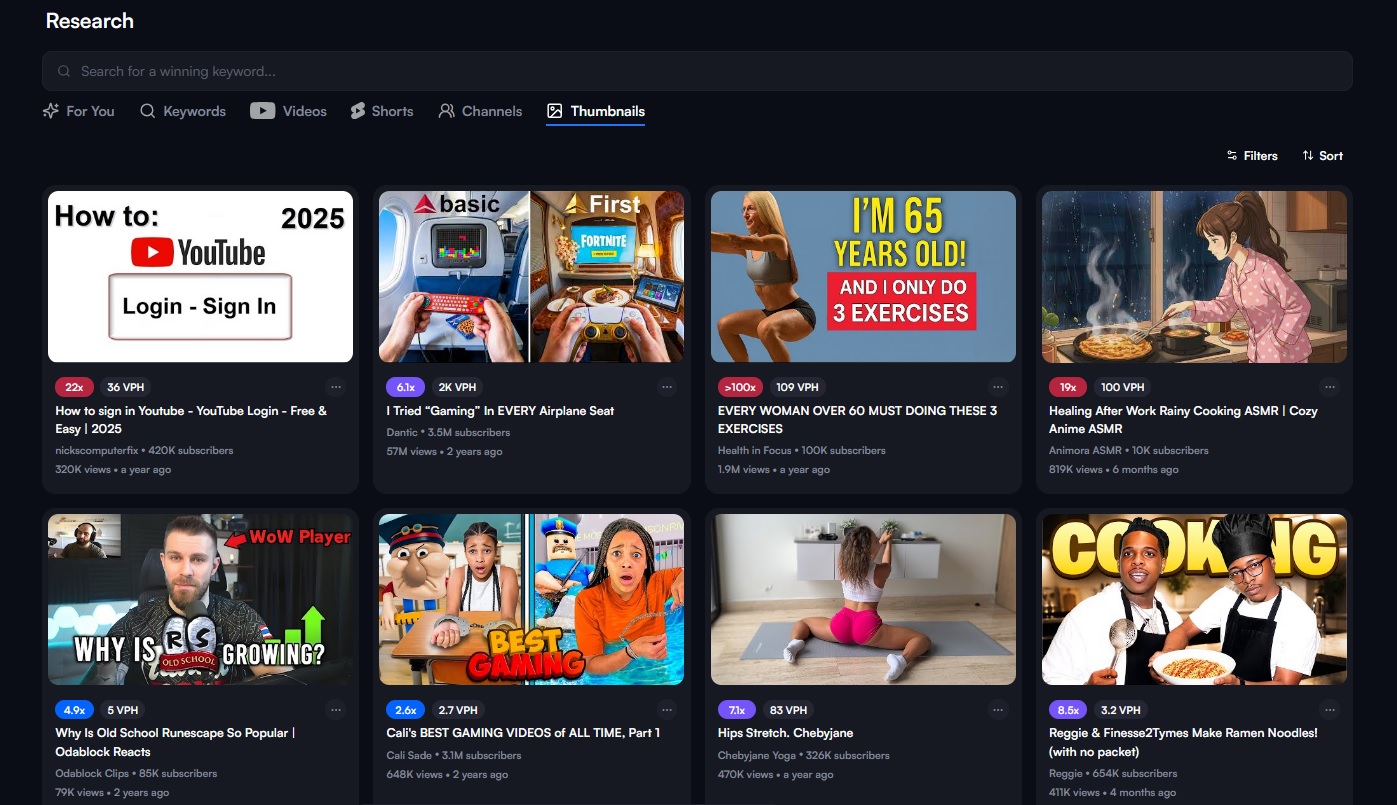
4. What If the Problem Is the Keyword or Niche?
This is another common reason a video can struggle.
Sometimes you choose a topic that looks exciting because there is a huge amount of search volume.
But huge demand usually comes with huge competition.
You are not competing with five videos.
You may be competing with thousands of videos from channels that already have strong audience signals, established viewers and a large library of related content.
The official YouTube guidance also confirms that competition and topic interest can influence how many impressions a video receives, even when the video’s own performance numbers look good.
This is why I don’t always recommend jumping into the biggest keyword in a niche.
A smaller topic with a clear audience can sometimes be a much better starting point.
For a new channel, I would rather have YouTube understand:
“This channel makes this type of content for these types of viewers.”
than have the channel upload ten completely unrelated videos simply because each one has a big keyword.
Your goal in the beginning is not just to chase views.
You are also building context.
- What topics do you cover?
- What viewers respond to you?
- Which videos are watched together?
- Which audience keeps coming back?
YouTube says its recommendation systems use signals related to whether viewers choose to watch, whether they stay engaged, and whether they are satisfied with the content.
That is one reason consistency matters.
5. So What Would I Actually Do If My Channel Had 0 Views?
This is the part that matters.
If one video gets 0 views, I do not immediately delete the channel.
I would first open Analytics and collect the evidence.
- Look at impressions.
- Look at traffic sources.
- Look at CTR.
- Look at audience retention once enough viewers exist.
Check whether the video has any warnings or restrictions.
Then compare it with your previous videos.
The biggest clue is whether the problem is happening to one video or the entire channel.
If one video is dead but other videos receive impressions, I would assume the video itself is the first thing to investigate.
- Maybe the topic is too competitive.
- Maybe the audience is too small.
- Maybe the packaging is weak.
- Maybe the video simply doesn’t match what the channel’s existing viewers are interested in.
But if every upload has the same strange pattern, then I would investigate the channel and publishing environment more carefully.
6. Don’t Be Too Quick to Delete the Channel
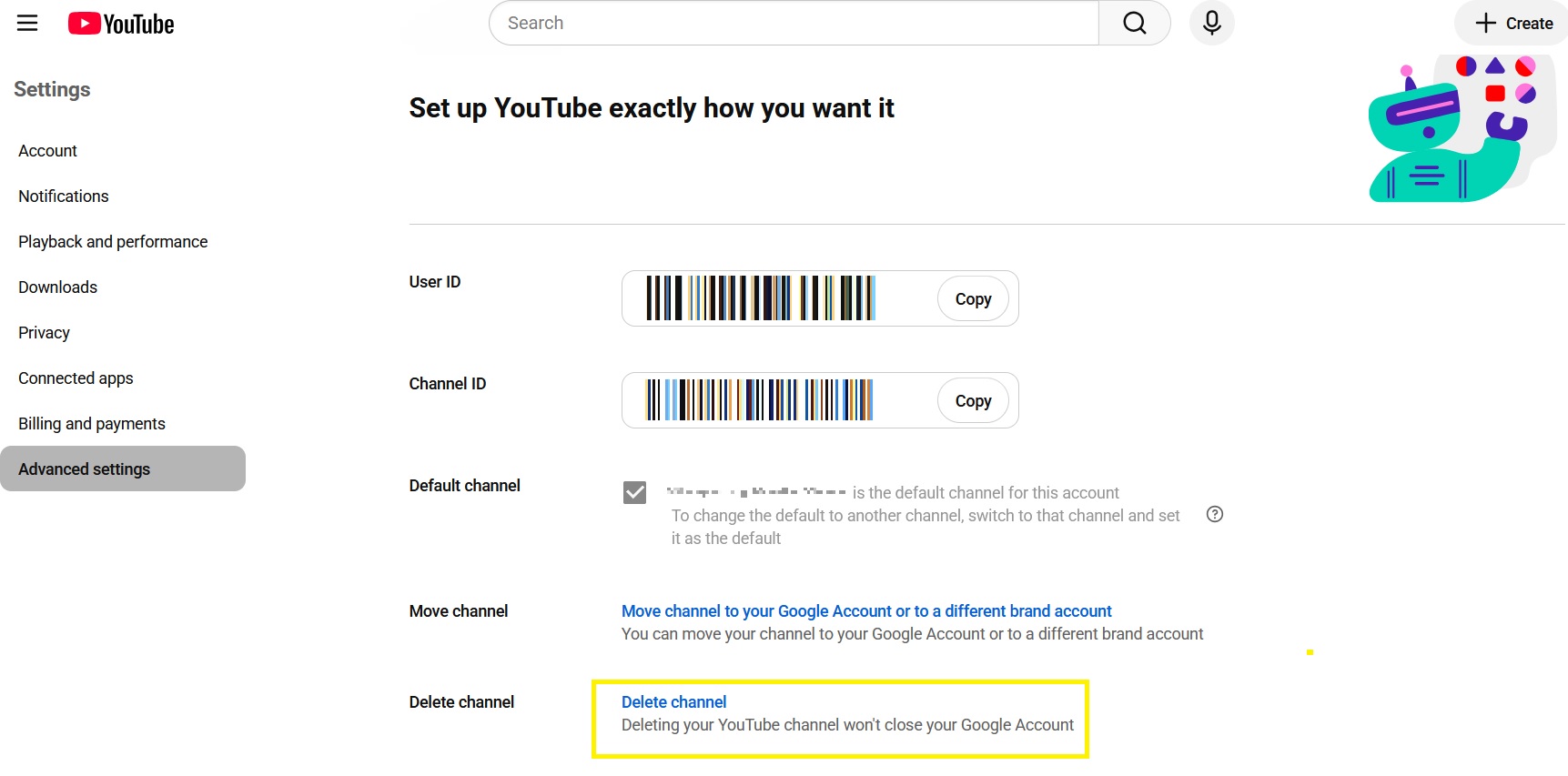
Delete YouTube Channel
I have seen new creators upload five or six videos with poor results and immediately decide that the channel is “dead”.
I don’t think that is a good conclusion.
A new channel has very little history.
There may simply not be enough audience information yet.
In fact, YouTube notes that new channels and videos with very small numbers of views can have unusually wide performance ranges, which is another reason not to overreact to early data.
The material I started from recommends continuing to publish consistently, including a practical rhythm of roughly one video every two days and giving the channel enough content for YouTube to understand its subject and audience.
I agree with the general idea, although I would not treat “30 videos” as a guaranteed number after which YouTube suddenly unlocks recommendations.
- There is no magic 30 videos button.
- The real value of publishing consistently is that you create more opportunities to learn.
- One video gives you one data point.
- Ten videos give you a pattern.
- That pattern is what becomes useful.
7. What About Changing Device, IP or Starting a New Channel?
This is probably one of the most controversial parts of the 0 view discussion.
Some creators believe that a device, network or account environment can influence distribution, especially when they manage multiple channels or have previously had channels with problems.
The source material recommends testing the same content on a completely new, clean channel and a different environment to see whether impressions change.
I think the useful part of that advice is the idea of a controlled test.
However, I would not recommend using proxies, browser fingerprinting tools or device spoofing specifically to bypass YouTube enforcement.
That can turn a simple analytics problem into a much bigger account problem.
Instead, think like a tester.
If you legitimately own multiple channels, compare their performance.
Keep the content quality, topic and upload process reasonably consistent.
Then look for patterns.
If one channel receives normal impressions while another receives almost none across many unrelated videos, you have stronger evidence that something channel specific deserves investigation.
That is much better than randomly changing ten different things at the same time.
8. Don’t Ignore Policy, Copyright and Strange External Links
There is another category that creators sometimes forget.
The video itself may look harmless, but the content could contain copyrighted material, restricted elements, misleading metadata, or other issues that affect distribution or eligibility.
The material I was given also points out that unusual links in descriptions and potentially problematic audio or imagery can be worth checking when a video suddenly receives little distribution.
I would add one more rule here:
Check YouTube Studio before assuming the algorithm is the problem.
Look for any restrictions, warnings, copyright notices or policy information attached to the video.
And don’t ignore traffic quality either.
Buying views or using artificial engagement is not a solution to a 0 view problem. It can create another problem.
The goal is to understand why YouTube is not finding the right audience not to manufacture the appearance of an audience.
9. My Simple 0View Troubleshooting Process
When someone sends me a screenshot saying, “My video has 0 views” the first thing I want is not the thumbnail.
I want the Analytics screen.
My process is basically this:
Step 1: Check impressions.
If impressions are almost zero, investigate distribution and channel-level factors.
Step 2: Check traffic sources.
Is there Browse? Suggested? Search? Or only External/Direct traffic?
Step 3: If impressions exist, look at the audience match.
What videos are appearing around yours? What search terms are bringing viewers in?
Step 4: Check title and thumbnail.
If YouTube is giving you impressions but people are not choosing the video, packaging becomes much more important.
Step 5: Check the content itself.
If people click but leave immediately, the problem may be the opening, pacing or mismatch between the promise and the actual video.
YouTube’s recommendation guidance essentially breaks performance into these ideas: appeal, engagement and viewer satisfaction.
Step 6: Compare several uploads.
Don’t diagnose a whole channel from one unlucky video.
Step 7: Make one change at a time.
This is probably the most underrated advice I can give.
If you change the title, thumbnail, niche, channel, device, upload schedule and video style simultaneously, you won’t know what actually fixed the problem.
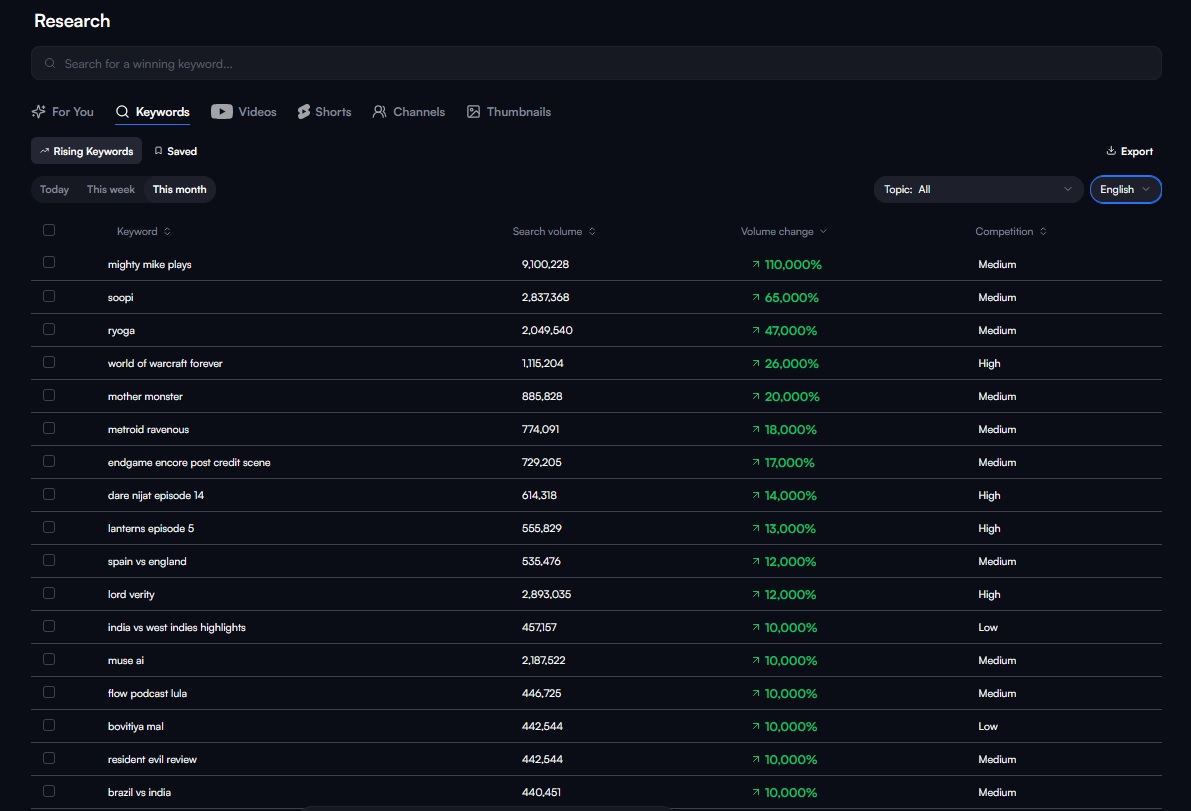
YouTube Keywords Research
10. Final Thoughts: 0 Views Is a Symptom, Not a Diagnosis
After working with YouTube for a while, I have learned that the number 0 can be incredibly misleading.
Two creators can both have zero views, but the underlying problems can be completely different.
- Creator A has almost no impressions.
- Creator B has hundreds of impressions but a weak CTR.
- Creator C is targeting an extremely competitive keyword.
- Creator D has a new channel with almost no audience history.
- Creator E has a video with a policy or copyright issue.
From the outside, all five creators simply say:
“My video got 0 views”
But inside YouTube Studio, the stories are different.
That’s why my first advice is always the same:
Don’t panic. Don’t delete everything. And don’t immediately blame the algorithm.
Open Analytics.
- Look at impressions.
- Look at traffic sources.
- Look at CTR.
- Look at your audience data.
Then compare the result with your other videos.
YouTube’s own analytics tools are designed to help creators understand where viewers discover their videos and how impressions turn into views and watch time.
Sometimes the answer really is that the topic needs to change.
Sometimes the thumbnail needs work.
Sometimes your channel needs more consistent content before the system has enough information to match it with the right viewers.
And sometimes, especially when every video shows almost the exact same lack of distribution, you need to stop changing your content randomly and investigate the channel itself.
The biggest mistake is treating every 0 view video as the same problem.
It isn’t.
A 0 view video is simply a signal that something is not working yet.
Your job as a creator is to find out what is not working before you start changing everything.
That mindset alone can save you a lot of wasted time and potentially save you from abandoning a channel that was never actually “dead” in the first place.
Or you’re getting the problems like: Demonetized or “Reused Content” then you can refer this article: Why YouTube Channels Get Demonetized or Deleted by “Reused Content”